Copy Link
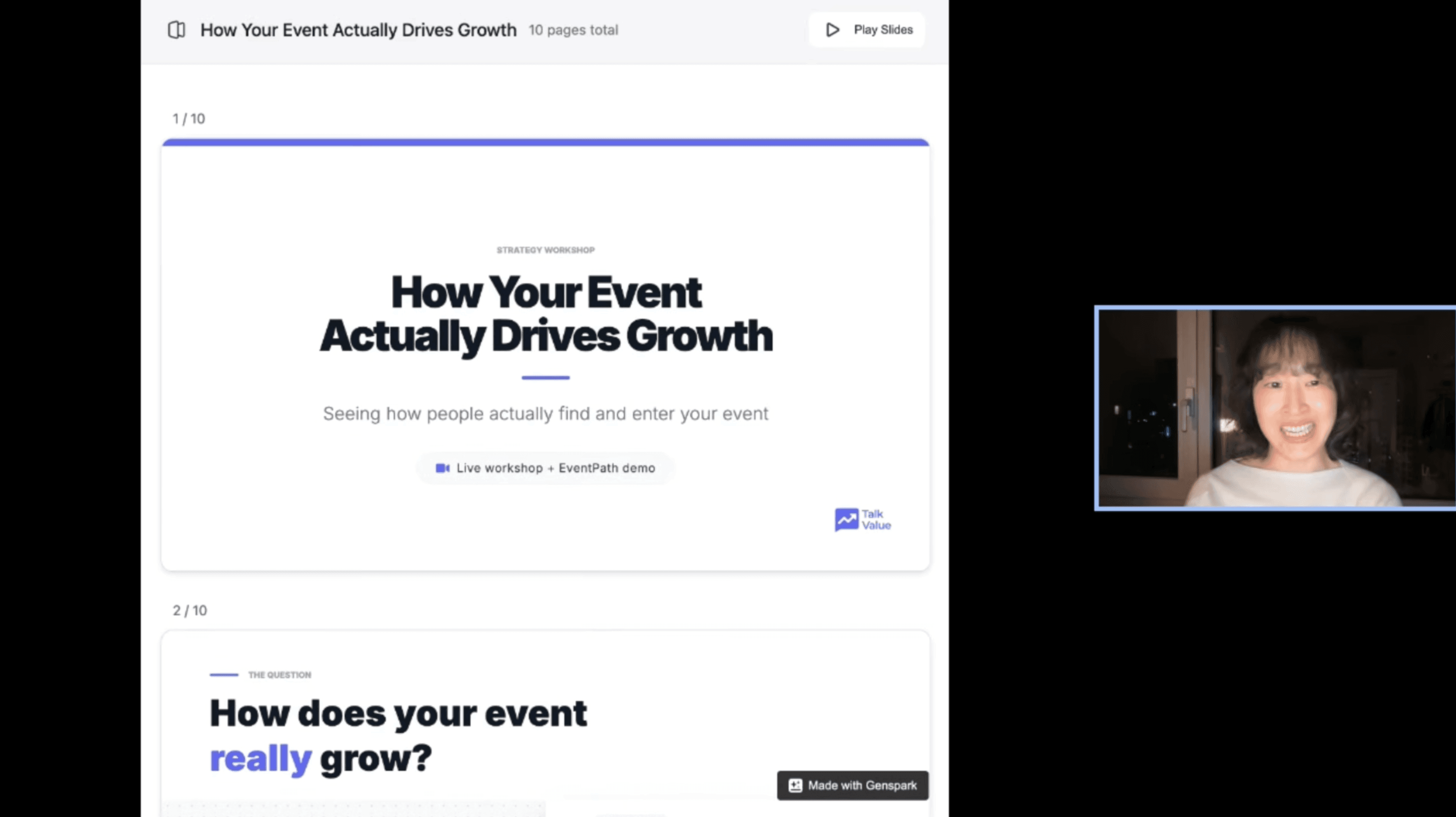
If You Don't Know How People Find Your Event, You're Optimizing Blind


what you'll learn
Files
Lesson details
Introduction
Most event teams can tell you how many people attended.
Fewer can tell you where those people came from.
Not just "they found us on LinkedIn" — but specifically:
Which channel touched them before they registered?
Is that channel growing or shrinking over time?
Are you talking to the same people everywhere, or totally different audiences?
These questions matter more than most teams realize.
Because if your event is mostly discovery-driven — if most of your attendees are first-timers — then understanding how people discover you isn't a marketing question.
It's a survival question.
This workshop is about making that visible.
Without a data engineer.
Without complex dashboards.
Without constant manual work.
The Insight That Started This
In our last session, we showed that most event growth comes from net new attendees — not returning ones.
Once you accept that, a much more uncomfortable question follows:
Where are those new people actually coming from?
Is it Slack?
LinkedIn?
Your newsletter?
Word of mouth?
Most teams have a strong opinion about this.
Very few have looked at the data.
That gap is exactly what EventPath was built to close.
What Is EventPath?
EventPath is a lightweight tool built to map the channel path a warm lead takes before they register.
Not who bought.
Not a bot.
But who actually knew about the event — and through which channel — before they decided to register.
The goal is to make channel contribution visible in a way that doesn't require:
A data engineer
Advanced spreadsheet work
Constant manual exports
It works with CSVs.
Export your contact lists — newsletter, Slack, LinkedIn, attendee history — upload them into EventPath, and within minutes you get a structured view of:
Channel overlap
Channel contribution per event
How those patterns shift over time
The Workflow
Step 1 — Export your channel lists
Gather CSV exports from your key marketing channels:
Slack — community member list
Newsletter (HubSpot, Mailchimp, etc.) — subscriber list
LinkedIn — follower or connection export
Attendee history — multi-year registration data from Whova, Eventbrite, or any event platform
Multi-year attendee history is ideal, but even one year works.
Privacy note: EventPath uses email as the unique identifier to reconcile overlap across lists. If you're concerned about sharing real emails, replace them with internal customer IDs or anonymized identifiers before uploading.
Step 2 — Import into EventPath
Upload each file and map the channel:
Slack Members
Newsletter Subscribers
LinkedIn Followers
Attendee History
EventPath detects row count and column structure automatically.
Email is the only required field for reconciliation.
No cleaning required before import.
Set merge sensitivity to Medium (recommended) — this means ~85%+ similarity match on email identifiers, which handles minor formatting differences between exports.
Step 3 — Read three views
Once imported, EventPath surfaces three core views.
View 1: Channel Overlap
▎ How distinct are your audiences, really?
Are you talking to the same people across Slack, LinkedIn, and your newsletter — or completely different people?
If audiences are mostly distinct, your content and campaign strategy should reflect that immediately.
Example: Out of 3,000 Slack members, only 1,000 were also newsletter subscribers. That's a meaningful gap — and a meaningful opportunity.
View 2: Channel Contribution by Event
▎ For each event, what percentage of attendees came from each channel?
This answers: which channels are actually producing attendees — not just followers.
You can see, for a given event year:
What % of attendees were Slack members
What % were newsletter subscribers
What % were LinkedIn followers
View 3: Channel Contribution Over Time
▎ Flip the lens. For each channel, how has its contribution changed year over year?
This is the most strategically valuable view.
In our client's data, the pattern was clear:
Slack contribution: decreasing year over year
LinkedIn contribution: small but increasing
Newsletter contribution: decreasing, but slower than Slack — and highest conversion rate
The channel the team believed was their community engine was quietly losing ground.
The channel they treated as a broadcast tool was quietly becoming their most reliable conversion path.
What the Data Said
Two findings from the client's EventPath data that changed their strategy immediately.
Finding 1: Newsletter is the real community — not Slack.
Newsletter subscribers were consistently the highest-intent buyers.
In recent events, the majority of attendees came from the newsletter — not Slack.
The team had been treating Slack as the primary community hub and newsletter as a secondary broadcast channel.
The data said the opposite.
Strategic move: Stop trying to convert directly inside Slack. Instead, treat Slack as the engagement layer — and move the most relevant Slack members into the newsletter. Because newsletter is where conversion momentum actually happens.
Finding 2: Retention still matters, even in a discovery-driven event.
Even if most growth comes from new attendees, returning attendees are cheaper to acquire than new ones.
Using historical attendee data, the team built:
Win-back sequences for dormant attendees
Dormancy segmentation: 1-year non-attendee / 2-year / 3+ years
Hyper-personalized outreach based on last attended year
Example message: "You attended in 2023. Here's what's new in 2026."
The Channel Role Framework
Once you've run EventPath, the next step is simple: assign each channel a clear role.
Channel | Primary Function |
|---|---|
Newsletter | Conversion Engine — why you should attend |
Slack | Engagement & Retention — why you stay |
Discovery — how new people find you |
Once roles are clear:
Your content becomes clearer
Your metrics become clearer
Your team stops fighting over vague goals
Key Takeaways
If you don't understand how people enter your event, you're optimizing blind.
Most event growth is discovery-driven — which makes channel attribution critical, not optional.
The channel your team believes is most important may not be what the data shows.
Channel overlap reveals whether you're reaching distinct audiences or repeatedly targeting the same people.
Assign each channel a role. Without a role, every channel competes for the same metric.
Retention is cheaper than acquisition — even in discovery-driven events.
Next Steps — Try This This Week
Export your Slack member list, newsletter subscriber list, and multi-year attendee history as CSVs
Upload into EventPath
Look at channel overlap first — are your audiences distinct or overlapping?
Look at contribution over time — which channels are growing, which are shrinking?
Assign one primary role to each channel based on what you find
About This Workshop
This workshop was presented live by TalkValue as part of our Lessons Series.
Practical education for event professionals navigating the AI era.
Next in the series: Coming soon.
Share lesson:
About Author
7+ years of B2B marketing and sales experience in the US, Singapore, Japan and Korea.
Be notified of new videos & live workshops as soon as they drop