As a senior event leader, your choice of virtual conference platform isn't about features; it's a strategic decision that directly shapes revenue, retention, and long-term monetization. The common industry behavior is to create a feature-based RFP, comparing platforms on a tactical, line-item basis. This approach, however, misses the fundamental point. It assumes all platforms that check a box deliver the same strategic value, leading to a structural gap where data remains fragmented, workflows are disconnected, and revenue opportunities are lost.
The real challenge isn't finding a platform with 'sponsorship booths' or 'breakout rooms.' It's architecting a technology stack that unifies data, provides decision clarity, and treats your event portfolio as a quantifiable revenue engine. This article reframes the evaluation process. We will analyze the 12 best virtual conference platforms not just for what they do, but for the strategic business outcomes they enable. Our goal is to help you move from a tactical checklist to a decision framework that safeguards and accelerates growth.
Within this comprehensive resource, you will find detailed analysis of each option, complete with screenshots and direct links. We will assess each platform's capacity to support complex monetization structures, drive attendee cohort value, and integrate into your core CRM and analytics infrastructure. By exposing how this foundational choice impacts your P&L, this guide provides the clarity needed to select a partner for growth, not just a tool for execution. We also explain how our own solution, TalkValue, complements or differs from these platforms, offering a distinct approach to event data reconciliation and revenue visibility.
1. Zoom Events and Sessions
Zoom Events and Sessions extends the familiar video conferencing tool into a dedicated event management solution, making it one of the best virtual conference platforms for organizations prioritizing reliability and a low learning curve. Its core strength lies in its foundation: the globally recognized Zoom Meetings and Webinars infrastructure. This ensures a dependable video backbone and a user experience that most speakers and attendees already understand, significantly reducing technical friction on event day.
The platform is divided into two main offerings. Zoom Sessions is designed for single-session events like webinars or training workshops, providing a simple registration and delivery workflow. For more complex needs, Zoom Events supports multi-day, multi-track conferences with features like a virtual lobby, an interactive expo floor for sponsors, and session-specific chat and Q&A. This tiered approach allows organizers to select the right level of complexity for their needs.
Key Takeaway: Zoom Events is a pragmatic choice for organizers who need to launch a scalable virtual conference quickly without the steep learning curve or custom build-out of more complex virtual venue platforms.
Key Features & Use Cases
Ideal For: Large-scale corporate summits, internal company kick-offs, and multi-track association conferences where speaker and attendee ease-of-use is paramount.
Virtual Lobby & Expo: Create a central hub for attendees and dedicated virtual booths for sponsors and exhibitors to interact with visitors.
Integrated Ticketing: Manage event registration and ticketing directly within the platform, including paid, free, and tiered access levels.
On-Demand Content: Automatically record sessions and host them in a content library for post-event viewing, extending the life of your conference.
Analytics: Provides basic but essential data on registration, attendance, and session engagement to measure event performance.
Pricing
Zoom Events and Sessions licensing is primarily based on the number of attendees. Plans are available on a pay-per-attendee model or through annual licenses that accommodate a set number of total attendees across all your events for the year. This flexibility works for both one-off major conferences and organizations running a continuous series of smaller virtual gatherings.
Pros & Cons
Pros | Cons |
|---|---|
Exceptional Familiarity: Most users require no training, reducing support needs. | Limited Design Customization: Branding and layout options are more templated than rivals. |
Reliable Performance: Built on Zoom’s robust and scalable video infrastructure. | Basic Sponsor Features: Expo booths lack the advanced interactivity of some competitors. |
Rapid Deployment: Can be configured and launched much faster than a full virtual venue build. | Analytics are Functional, Not Deep: Lacks the granular data of specialized platforms. |
For a broader view of how different platforms fit into a cohesive event strategy, consider exploring other event technology solutions to ensure your entire stack works together.
Website: zoom.com/en/products/event-platform
2. RingCentral Events (formerly Hopin)
RingCentral Events, the platform that evolved from the well-known Hopin, stands as a full-featured solution for organizers wanting to create an immersive, venue-like experience online. Its strength lies in a user interface that successfully mimics the feel of a physical conference, with distinct areas for the main stage, breakout sessions, networking, and a sponsor expo. This design makes it one of the best virtual conference platforms for community-driven events and trade shows where attendee interaction is a primary goal.
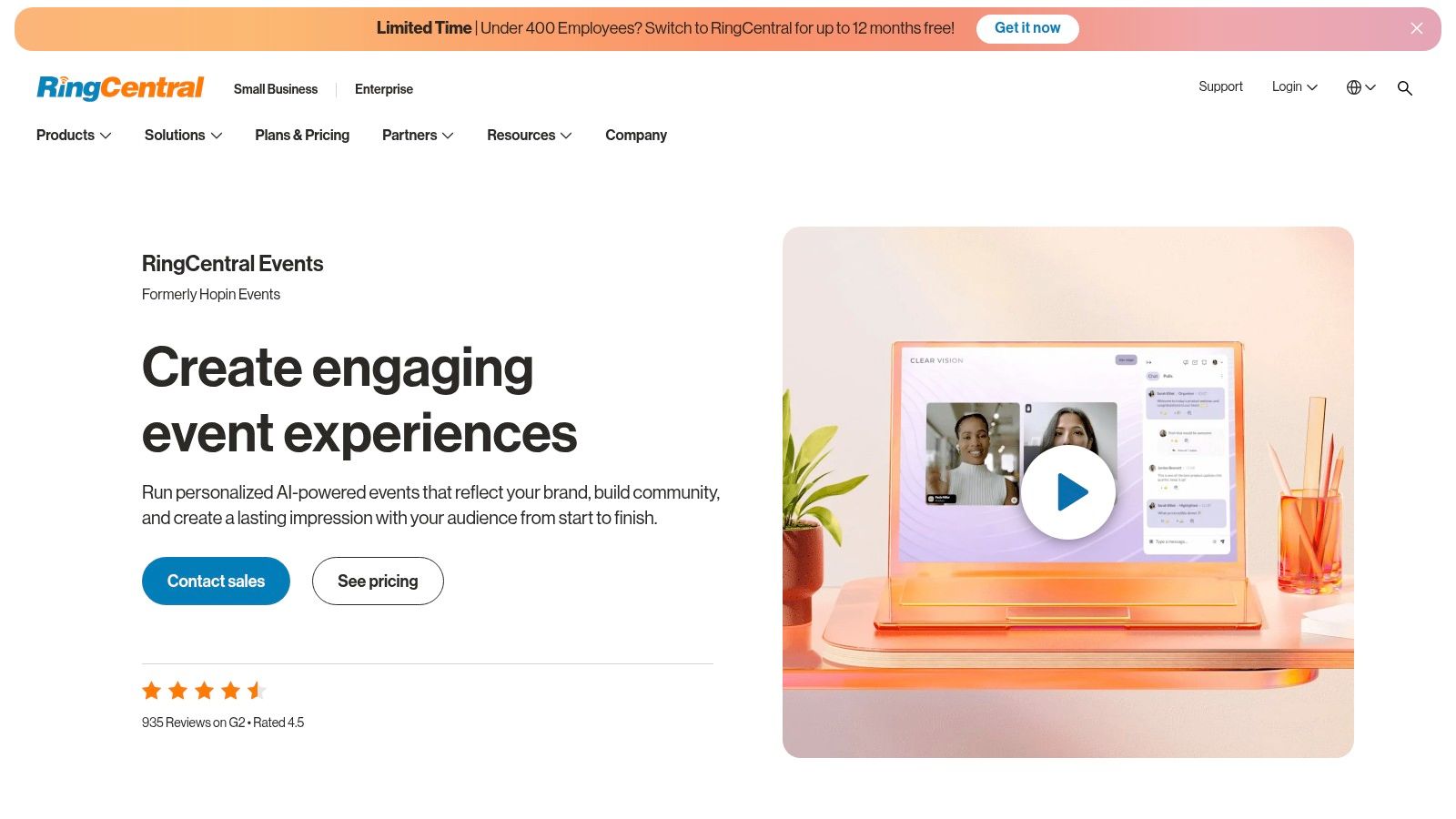
Unlike platforms built on standard meeting software, RingCentral Events was designed from the ground up as a virtual venue. It offers robust backstage areas for speakers, one-on-one video networking that randomly pairs attendees for short conversations, and an interactive expo hall where sponsors can manage their own booths. This focus on engagement tools makes it a powerful choice for events that need to deliver more than just a series of video presentations.
Key Takeaway: RingCentral Events is ideal for organizers who need a comprehensive, all-in-one virtual venue that prioritizes attendee networking, sponsor visibility, and a modern user experience right out of the box.
Key Features & Use Cases
Ideal For: Industry trade shows, large-scale community conferences, and recurring event series where building connections and delivering sponsor value are critical.
Virtual Stages & Sessions: Manage multiple content tracks simultaneously with dedicated "stages" and smaller breakout rooms, complete with backstage areas for speakers.
Interactive Expo Hall: Sponsor booths feature video hosting, lead capture forms, and dedicated chat, allowing for direct interaction with attendees.
Robust Networking: Features include one-on-one speed networking and topic-based virtual tables to facilitate meaningful connections, as detailed in guides to successful business networking events.
Extensive Integrations: Connects with over 40 popular marketing and CRM tools like HubSpot, Salesforce, Marketo, and Miro to streamline data workflows.
Pricing
RingCentral Events uses a transparent, organizer-based pricing model. Plans typically offer unlimited events and registrations up to a certain attendee capacity, making it cost-effective for organizations that run frequent webinars or community meetups in addition to a large annual conference. Advanced features and higher attendee counts require moving to higher-tier plans.
Pros & Cons
Pros | Cons |
|---|---|
Modern, Engaging UX: The virtual venue layout is intuitive for users. | Limited Brand Customization: Designs are constrained by the platform's templates. |
Excellent Networking Tools: Strong focus on attendee-to-attendee connections. | Feature Gating: Some advanced functions are locked behind higher-priced plans. |
Unlimited Events Model: Cost-effective for organizations with a full event calendar. | Learning Curve: More complex to set up than simpler webinar tools. |
Website: www.ringcentral.com/rc-events
3. Webex Events (formerly Socio)
Acquired by Cisco, Webex Events (formerly Socio) has grown into a powerful, all-in-one event management platform designed for organizers who need a single, unified solution for virtual, in-person, and hybrid formats. Its primary strength is its end-to-end functionality, covering everything from registration and ticketing to a branded mobile app and a professional production studio. This makes it one of the best virtual conference platforms for large organizations seeking enterprise-grade security and scalability under one roof.
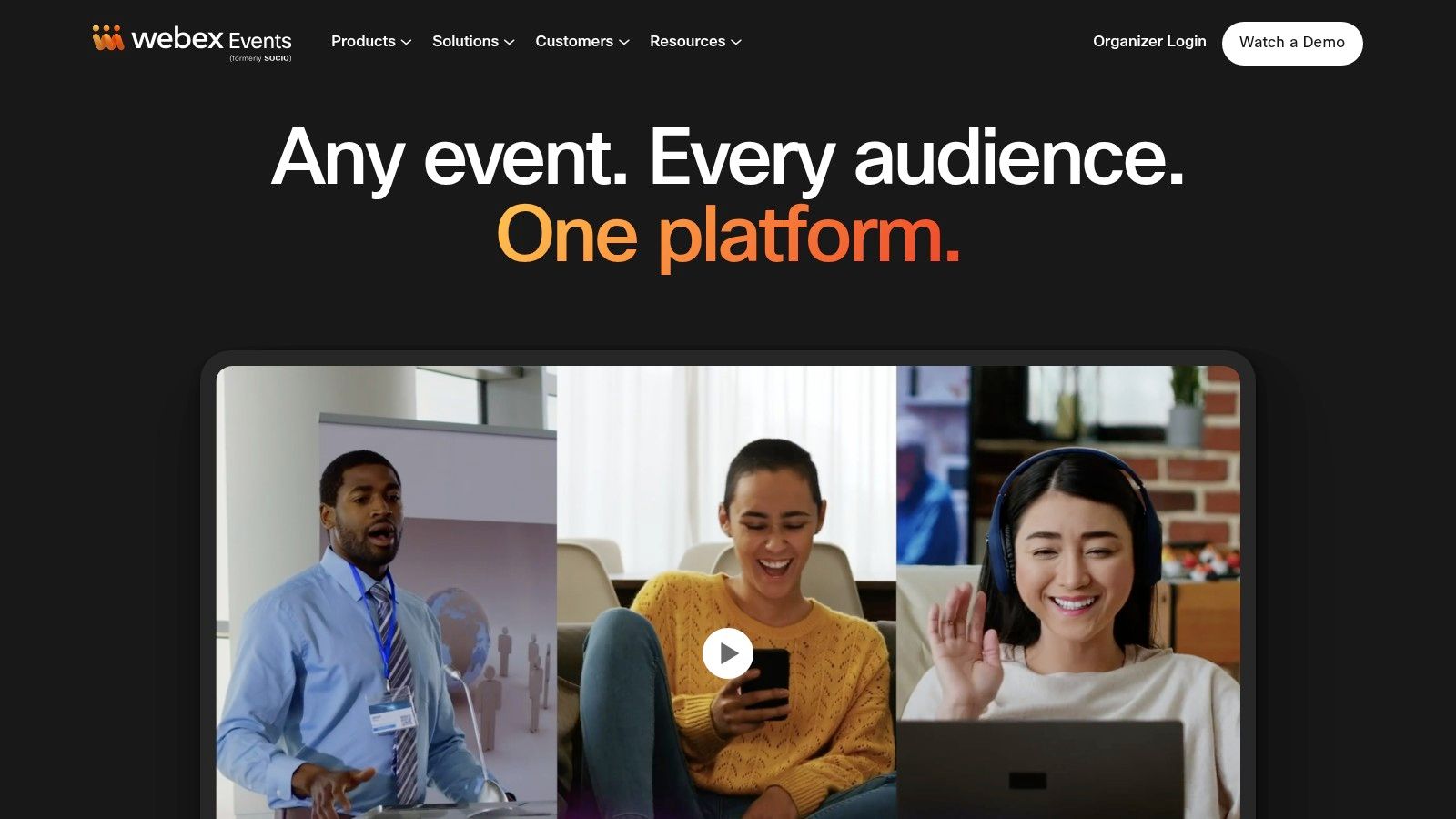
The platform integrates a virtual venue with onsite tools like check-in and badge printing, creating a cohesive data environment. For virtual delivery, its browser-based Studio offers production-quality streaming with lower-thirds, custom backgrounds, and pre-recorded "simulive" content playback. This complete ecosystem approach simplifies the tech stack and provides a consistent brand experience for attendees, whether they are joining from their desks or a physical venue. For those planning complex blended events, it’s worth reviewing hybrid event best practices to maximize the value of such a robust platform.
Key Takeaway: Webex Events is built for complex, large-scale events where a single, secure, and fully integrated platform for virtual and in-person components is a non-negotiable requirement.
Key Features & Use Cases
Ideal For: Large enterprise conferences, major trade shows, and associations that require a single solution to manage a portfolio of virtual and hybrid events.
End-to-End Suite: Manages the entire event lifecycle: registration, mobile app, virtual venue, onsite check-in, lead retrieval, and analytics.
Production Studio: Create high-quality branded broadcasts with speaker layouts, banners, and simulive streaming capabilities directly from your browser.
Mobile Event App: A fully brandable app that serves as the central hub for both virtual and in-person attendees, fostering a single community.
Lead Retrieval: Integrated tools for exhibitors to capture and qualify leads, providing clear ROI for sponsors across all event formats.
Pricing
Webex Events is positioned as a premium, enterprise-level solution, and its pricing reflects that. Packages are typically custom-quoted based on the number of events, attendees, and specific features required (e.g., onsite hardware, advanced support). It is best suited for organizations with significant event budgets that can benefit from its all-in-one capabilities.
Pros & Cons
Pros | Cons |
|---|---|
Complete All-in-One Solution: Manages virtual, hybrid, and onsite operations. | Premium Pricing: Custom quotes can be costly compared to point solutions. |
Enterprise Security: Backed by Cisco’s robust security infrastructure. | Steeper Learning Curve: Administering the full suite requires more training. |
Highly Scalable: Built to handle very large and complex conferences. | Less Flexibility for Simple Events: Can be overkill for basic webinars. |
Website: socio.events
4. vFairs
vFairs has established itself as a leading virtual venue platform, particularly for organizations where the exhibitor and sponsor experience is a primary business objective. It specializes in creating immersive 2D and 3D virtual environments that mimic the look and feel of a physical conference, from branded lobbies and auditoriums to interactive expo halls. This focus on visual customization and sponsor inventory makes it one of the best virtual conference platforms for large-scale trade shows and exhibitions aiming to deliver high value to their partners.
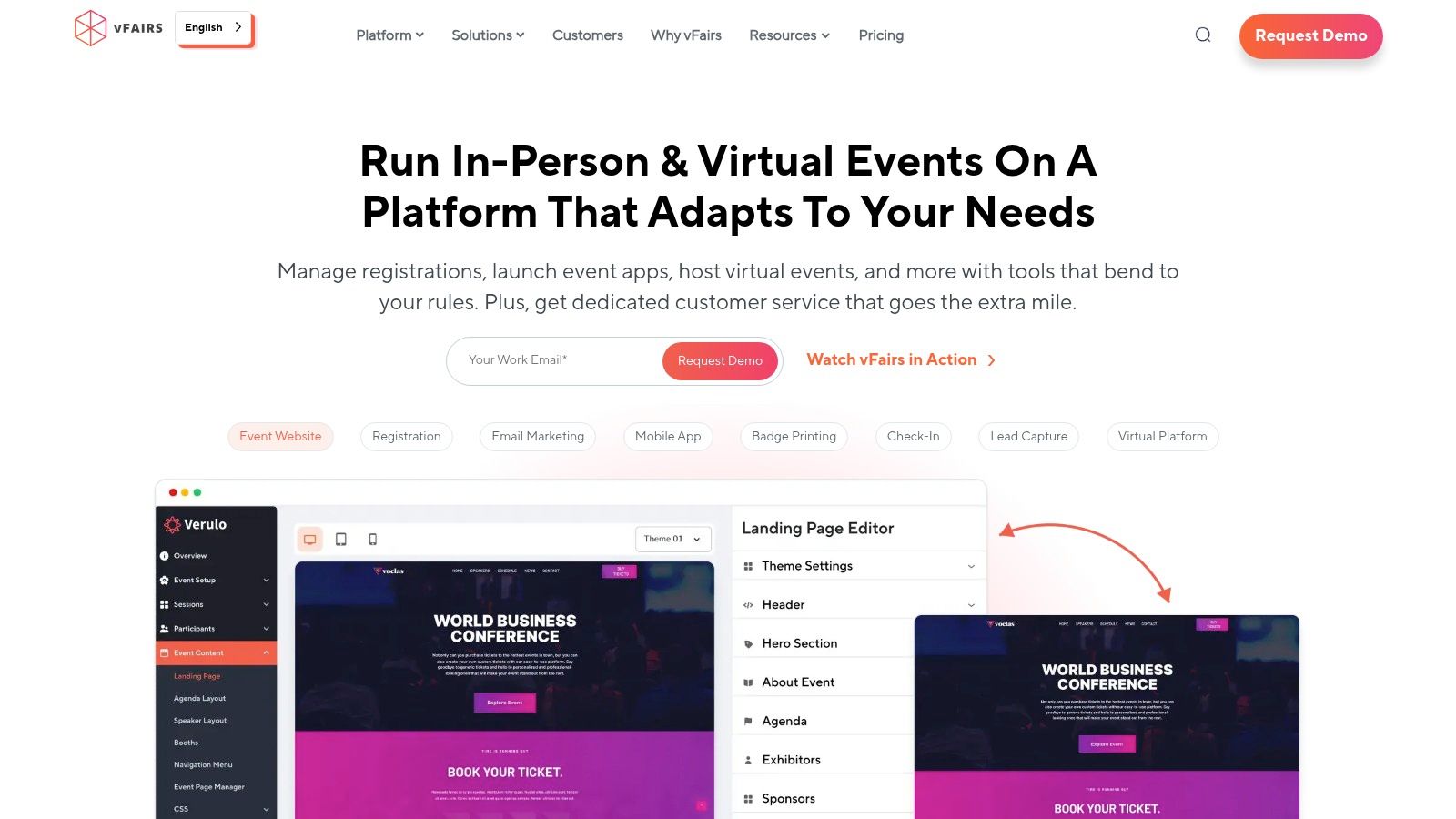
The platform goes beyond just live sessions, providing a persistent space for engagement. Organizers can build highly detailed virtual booths where exhibitors can display documents, play videos, and engage in live text or video chat with attendees. For hybrid events, vFairs also offers onsite tools like badge printing and attendee check-in, creating a more unified experience for both in-person and remote participants. This combination of robust exhibitor features and hybrid capabilities makes it a powerful choice for complex, multi-faceted events.
Key Takeaway: vFairs is the ideal platform for event organizers who need to replicate the high-value sponsor and exhibitor experience of a physical trade show in a virtual or hybrid format.
Key Features & Use Cases
Ideal For: Industry trade shows, career fairs, university open days, and association conferences with a heavy emphasis on sponsorship ROI and exhibitor lead generation.
Immersive Virtual Environments: Design custom 3D lobbies, expo halls, and auditoriums with extensive branding to create a memorable and engaging attendee journey.
Advanced Exhibitor Booths: Equip sponsors with interactive booths featuring live chat, document repositories, video showcases, and lead capture forms.
Hybrid Event Support: Includes onsite solutions for badge printing, check-in, and mobile event apps to bridge the gap between physical and virtual attendees.
Engagement Analytics: Provides detailed reporting on booth traffic, content downloads, chat interactions, and session attendance to demonstrate value to stakeholders.
Pricing
vFairs operates on a quote-based pricing model. The final cost depends on the number of attendees, the complexity of the virtual environment build, the number of event days, and any additional services like project management or onsite support. This model is typical for platforms offering high levels of customization and is best suited for organizations with well-defined event budgets.
Pros & Cons
Pros | Cons |
|---|---|
Strong Exhibitor Experience: Delivers exceptional value and ROI for sponsors. | Longer Production Timelines: Custom builds require more lead time and planning. |
Flexible Visual Branding: Allows for highly themed and customized event venues. | Quote-Based Pricing: Can be harder to budget for without a direct consultation. |
Global Support for Complex Shows: Experienced in handling large, global events. | Can Be Overkill for Simple Events: The feature set may be too complex for basic webinars. |
Website: https://www.vfairs.com/
5. Airmeet
Airmeet is an engagement-first virtual conference platform designed for B2B marketers and communities who prioritize audience interaction. Its standout feature is its virtual "Social Lounge," a space with digital tables where attendees can move freely and network via video chat, mimicking the organic conversations of an in-person event. This focus on structured, yet spontaneous, networking makes it one of the best virtual conference platforms for building connections, not just broadcasting content.
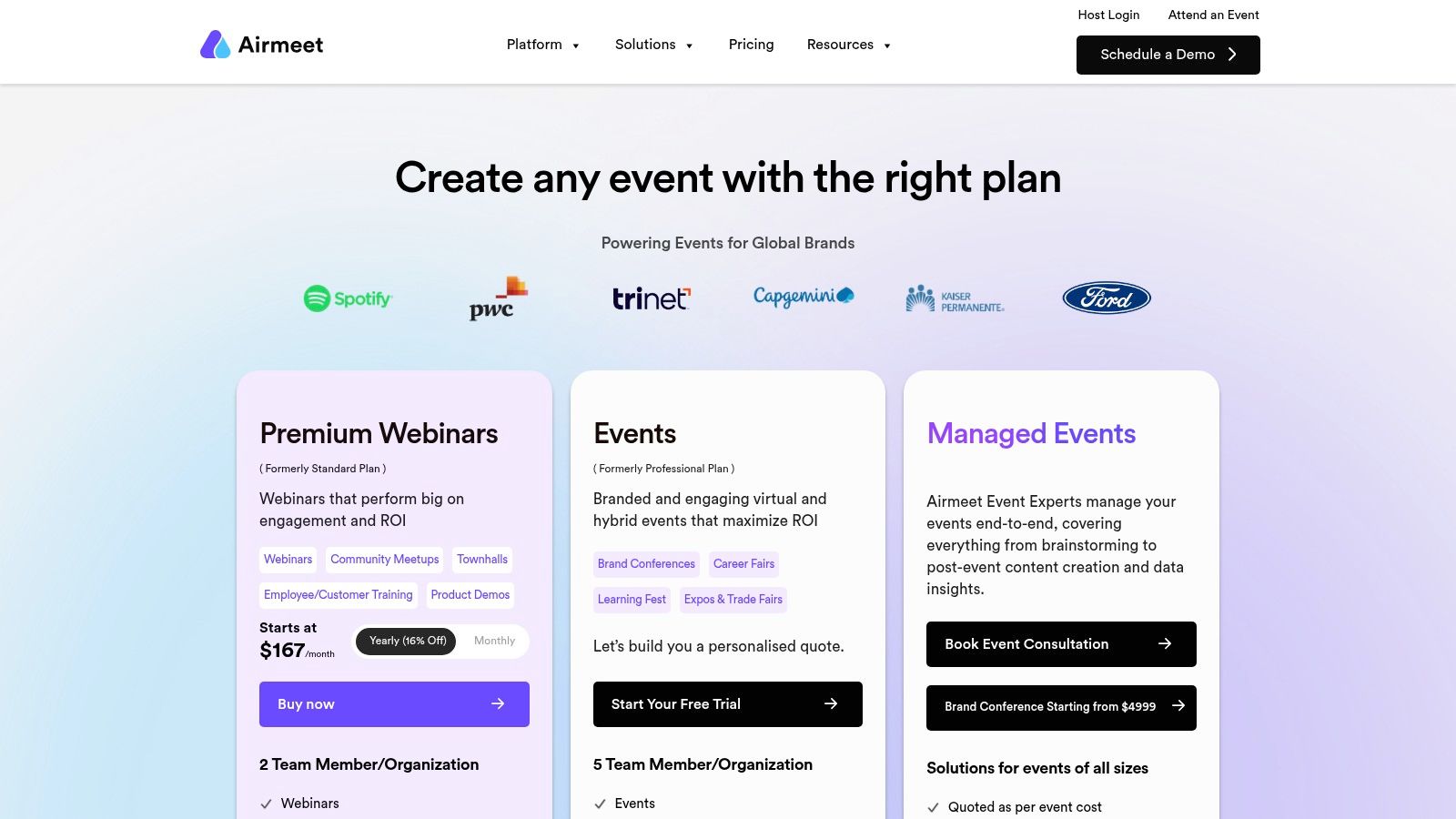
The platform supports multi-track conferences with a virtual reception area, sessions, and sponsor booths. For organizers looking to elevate their production value, Airmeet’s "AirStudio" provides 3D stages and advanced branding capabilities. A key differentiator is its pricing model, which is based on the number of attendees rather than the number of events, offering predictability for organizations that run frequent virtual gatherings.
Key Takeaway: Airmeet is built for organizers who believe attendee-to-attendee interaction is as important as the main stage content, offering robust tools for both community building and professional event production.
Key Features & Use Cases
Ideal For: Community meetups, B2B marketing events, and conferences where networking and lead generation are primary goals. Planners can find more inspiration with these networking event ideas.
Social Lounge & Reception: Create dynamic networking spaces with virtual tables and a central hub to guide attendees, fostering organic interaction.
Sponsor Booths: Dedicated virtual booths allow sponsors to engage with visitors through chat, video calls, and collateral downloads.
Managed Event Services: For teams without in-house production expertise, Airmeet offers managed services to handle the technical execution of your event.
CRM/MA Integrations: Connects with tools like HubSpot, Salesforce, and Marketo to streamline data flow between your event and marketing systems.
Pricing
Airmeet's pricing is primarily based on the number of attendees per event or through annual subscriptions that include a set number of attendee registrations. This model allows for unlimited events within the plan's limits, making it cost-effective for organizations with a high volume of smaller to mid-sized events. Higher tiers and add-ons are available for advanced features and managed services.
Pros & Cons
Pros | Cons |
|---|---|
Highly Engaging UX: Social lounge and reception mechanics facilitate natural networking. | Cost Can Increase: Advanced production features like 3D stages are add-ons. |
Predictable Pricing: Attendee-based plans with unlimited events are great for budgets. | Gated Features: Some key functions are only available on higher-tier plans. |
Strong Managed Services: Provides a valuable option for lean teams needing production help. | Learning Curve: The rich feature set can take time for new organizers to master. |
Website: www.airmeet.com/hub/pricing
6. ON24
ON24 positions itself as an enterprise-grade platform built for marketing and demand generation, making it one of the best virtual conference platforms for organizations that treat events as a core revenue driver. It moves beyond simple video delivery to create a rich, data-centric experience where every attendee interaction is a signal. The platform is engineered to capture first-party engagement data and feed it directly into marketing automation and CRM systems like Salesforce and Marketo.
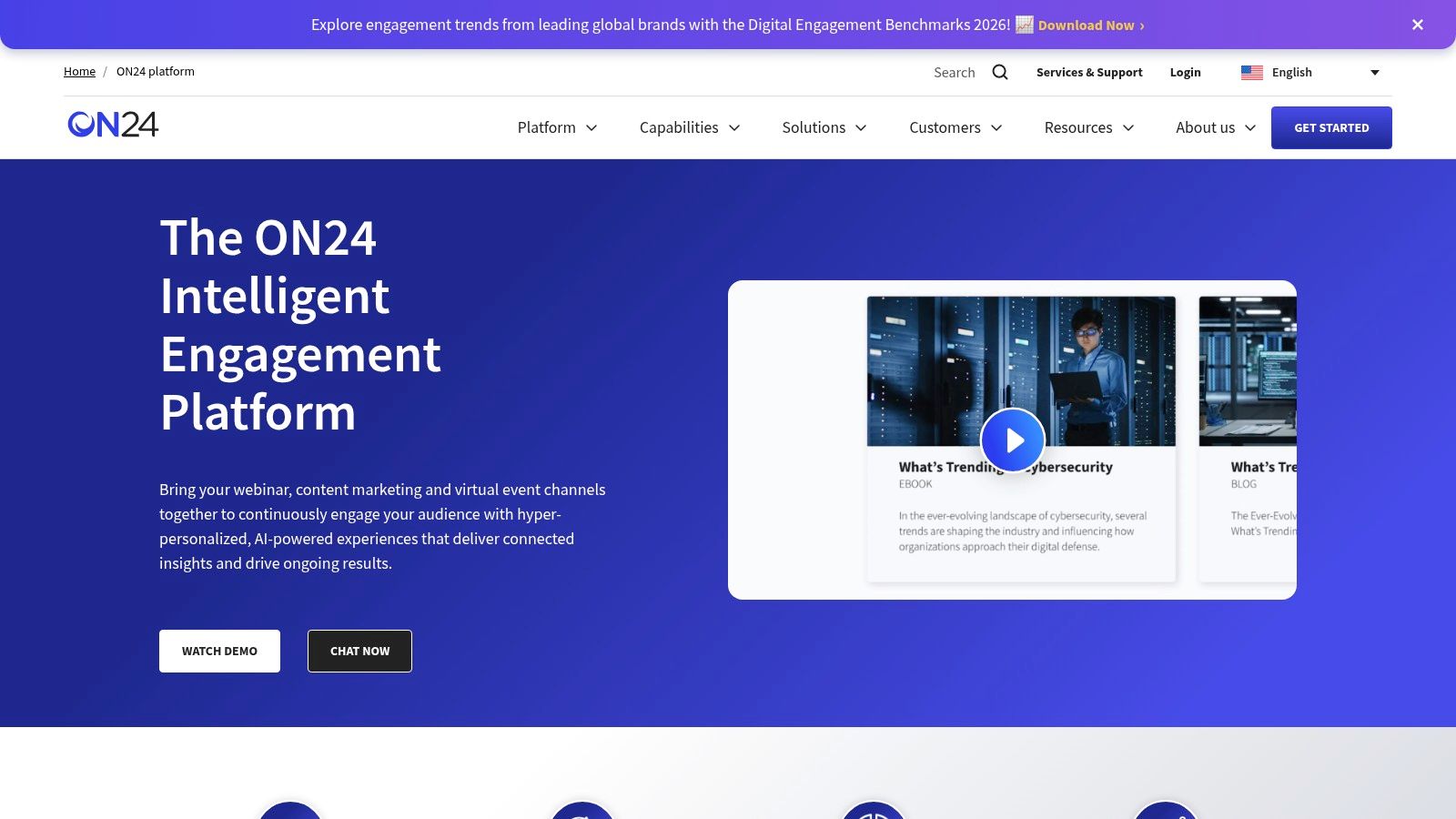
This focus on data makes ON24 a strategic choice for B2B marketers. The platform offers multi-session conference experiences with over 20 interactive elements, from polls and surveys to group chats and resource downloads. Its AI tools can automatically generate content like short video clips and blog posts from long-form sessions, creating an always-on content hub that extends the life of the event and continues to generate leads long after the live day.
Key Takeaway: ON24 is a marketing-first platform designed to convert attendee engagement into qualified leads and pipeline. It’s ideal for organizations that need deep analytics and seamless integration with their sales and marketing technology stack.
Key Features & Use Cases
Ideal For: B2B companies running demand generation webinars, user conferences, and product marketing events where lead scoring and sales follow-up are critical.
Deep Data & Analytics: Captures detailed first-party data on attendee behavior, creating a "Prospect Engagement Profile" to inform sales conversations and lead nurturing.
AI Content Generation: Uses AI to create derivative assets like clips, blogs, and nurture pages from recorded conference sessions, maximizing content ROI.
Rich Interactivity: Provides more than 20 engagement tools and widgets that can be added to the event console to encourage audience participation.
CRM/MAP Integration: Features robust, native integrations with major platforms like Salesforce, Marketo, and Eloqua to pass engagement data directly into existing workflows.
Pricing
ON24 operates on a custom, subscription-based pricing model tailored to enterprise needs. Pricing is not publicly listed and is determined by factors such as the number of events, expected attendees, and the specific platform features and integrations required. It is generally considered a premium-priced solution aimed at mid-market to large enterprise customers.
Pros & Cons
Pros | Cons |
|---|---|
Best-in-class engagement data for sales and marketing. | Pricing is custom and generally premium, making it less accessible for SMBs. |
Strong content reuse features create always-on hubs. | Production and build flows are more structured than freeform tools. |
Mature enterprise support and security for large organizations. | Can feel over-engineered for simple, one-off internal meetings. |
Understanding what to do with this data is the next step, as it's clear why most event analytics don't change decisions without a proper framework.
Website: https://www.on24.com/platform/
7. Goldcast
Goldcast is built specifically for B2B marketing teams that view events as a primary engine for pipeline and revenue generation. It moves beyond simple broadcasting by integrating event delivery with a powerful content creation and repurposing system. This focus makes it one of the best virtual conference platforms for organizations that need to maximize the ROI of every session by turning live engagement into a library of sales and marketing assets.
The platform combines a clean, professional-grade webinar and virtual event interface with a "Content Lab." This lab uses AI to help marketers quickly create video clips, blog posts, and social media content from recorded sessions. Features like native studio overlays, sponsor placements, and deep integrations with CRMs are designed to support a demand generation workflow from start to finish.
Key Takeaway: Goldcast is the ideal choice for B2B marketers who need an event platform that not only hosts engaging experiences but also accelerates their content marketing and pipeline generation efforts post-event.
Key Features & Use Cases
Ideal For: Demand generation webinars, customer marketing events, field marketing programs, and user conferences where content repurposing is a key performance indicator.
AI Content Repurposing: Automatically generate short video clips, summaries, and text-based assets from event recordings to distribute across multiple channels.
Deep CRM & MAP Integrations: Connects directly with HubSpot, Salesforce, Marketo, and others to pass detailed event engagement data for lead scoring and sales follow-up.
Professional Broadcasting Tools: Includes a "backstage" area for speakers, native lower-thirds and branding overlays, and high-quality streaming without requiring third-party tools.
Enterprise-Ready Governance: Provides SSO, granular permissions, and robust security features required by large B2B organizations.
Pricing
Goldcast's pricing is available via a custom quote based on your specific needs, such as the number of events, attendees, and desired feature set. It is an enterprise-grade solution, and its pricing structure reflects its focus on revenue-driven teams rather than one-off event organizers.
Pros & Cons
Pros | Cons |
|---|---|
Optimized for B2B Pipeline: Every feature is tied to demand-gen goals. | Pricing is not publicly listed: Requires a sales demo to get a quote. |
Powerful Content Repurposing: AI tools dramatically speed up content creation. | Less Focus on Virtual Expos: Not designed for large, complex sponsor halls. |
Clean Producer and Attendee UX: The interface is modern and intuitive. | Can be overkill for simple one-off webinars. |
Website: https://www.goldcast.io/pricing
8. BigMarker
BigMarker stands out as one of the best virtual conference platforms due to its browser-based delivery and powerful monetization features. It requires no downloads for attendees, which significantly lowers the barrier to entry and simplifies the join process. The platform is designed to handle everything from large-scale webinars to full multi-session virtual and hybrid conferences, balancing robust production capabilities with a remarkably fast setup time.
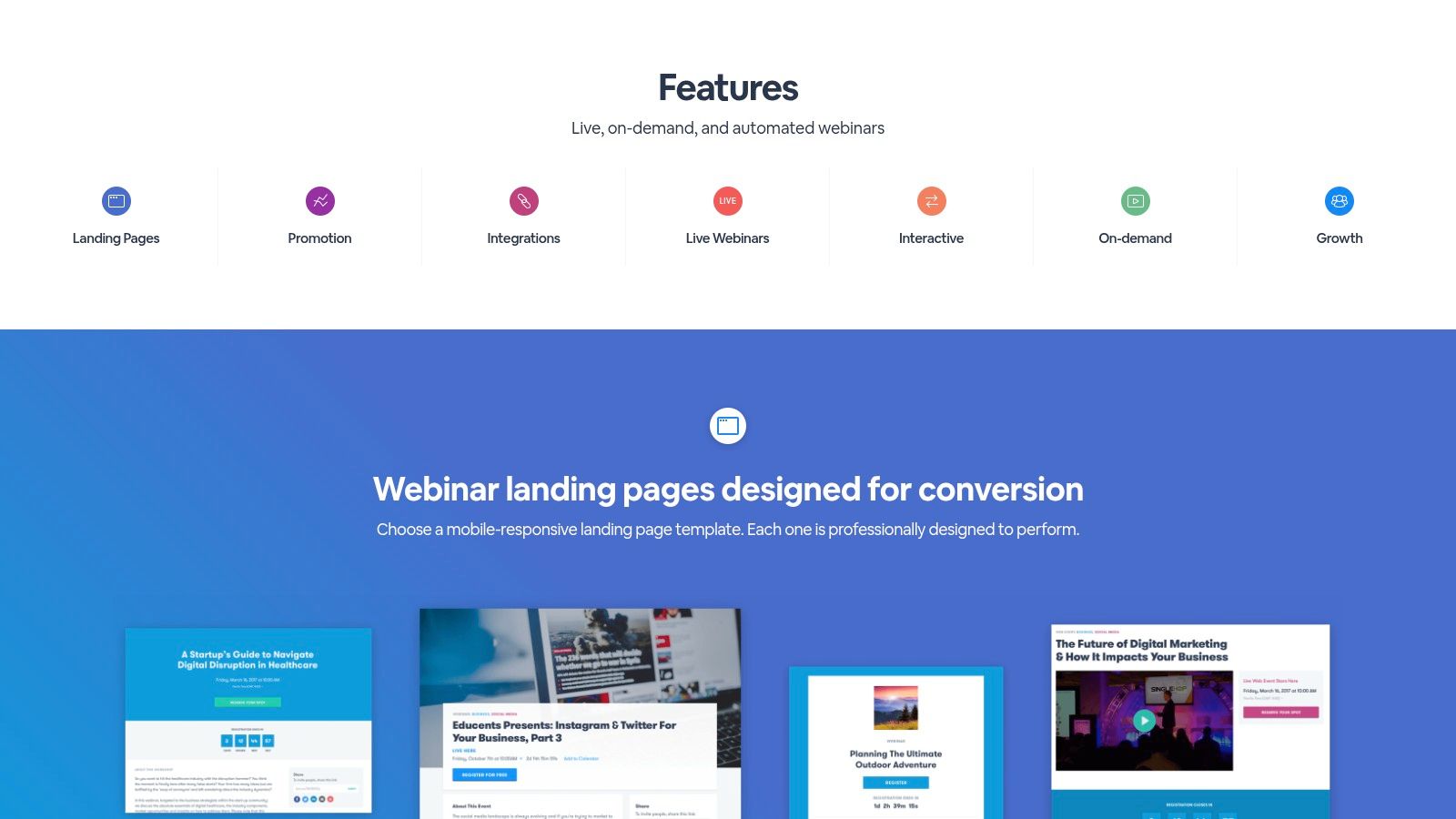
Its strength lies in blending accessibility with advanced functionality. Organizers can create highly customized virtual conference sites and branded event rooms without needing technical expertise. Moreover, BigMarker offers a built-in production studio, RTMP streaming support for polished broadcasts, and extensive interactivity tools like polls, Q&A, and calls-to-action. These features are all managed within a single, integrated environment.
Key Takeaway: BigMarker is a strong choice for event organizers who need a no-download, all-in-one platform that excels at both audience engagement and direct event monetization.
Key Features & Use Cases
Ideal For: Marketing-driven virtual summits, paid training series, and hybrid events where a seamless browser experience is critical for a diverse audience.
Monetization & Ticketing: Sell tickets directly through the platform, manage different access tiers, and process payments with a transparent transaction fee structure.
Customizable Branding: Offers flexible options for customizing landing pages, emails, and virtual rooms to match your event's brand identity.
Integrations: Connects with essential marketing and sales tools through native CRM/MA integrations and a comprehensive Zapier app.
Interactive Overlays: Engage attendees with pop-up offers, handouts, and lead capture forms directly within the live session window.
Pricing
BigMarker offers tiered monthly and annual subscription plans based on the number of live attendees and desired features. Monetization is handled through a straightforward 5% transaction fee on ticket sales processed through the platform. Enterprise plans unlock advanced features like white-labeling, dedicated support, and higher attendee capacities.
Pros & Cons
Pros | Cons |
|---|---|
No-Download Access: Attendees and speakers can join instantly from a browser. | Transaction Fees: A 5% fee applies to all ticket revenue processed through the platform. |
Strong Customization: Landing pages and rooms are highly brandable. | Advanced Features are Tiered: White-labeling and other key tools require higher plans. |
Built-in Monetization: Makes selling tickets and managing revenue simple. | Interface Can Be Busy: The wealth of features can present a learning curve for new admins. |
Website: https://www.bigmarker.com/features
9. Cvent Attendee Hub
Cvent Attendee Hub is the virtual and hybrid event layer of a much larger event management ecosystem, making it one of the best virtual conference platforms for enterprises and large associations. Its primary strength is not as a standalone virtual tool, but as an integrated component within the Cvent platform, which handles everything from registration and email marketing to onsite check-in and lead retrieval. This makes it a formidable choice for organizations managing complex event portfolios with strict governance and data consolidation needs.
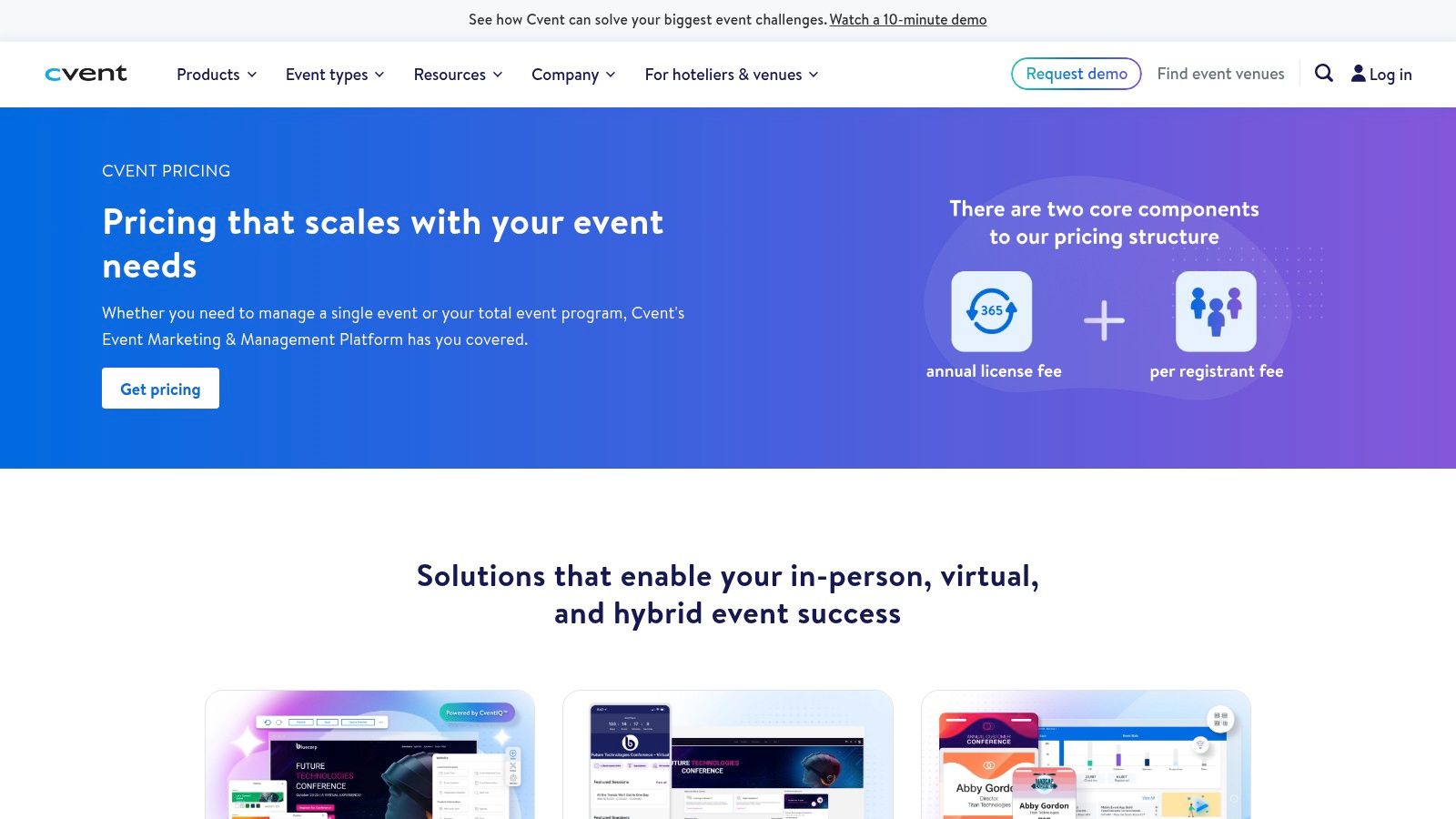
The platform is designed to provide a consistent attendee experience whether the event is fully virtual, in-person, or a hybrid of the two. Attendee Hub delivers the core virtual conference experience with session live streams, agendas, and engagement features. Where it truly stands apart is its native connection to Cvent’s other modules, like OnArrival for badging or its exhibitor management tools. This deep integration simplifies the technology stack for hybrid programs, ensuring a single source of truth for attendee data across all formats.
Key Takeaway: Cvent is a strategic investment for organizations that need a single, scalable platform to manage the entire lifecycle of large, complex, and often hybrid events, from initial promotion to post-event analytics.
Key Features & Use Cases
Ideal For: Large enterprises and associations with a portfolio of events, complex registration workflows, and the need for a unified solution for virtual, hybrid, and in-person formats.
Deep Ecosystem Integration: Natively connects to Cvent’s registration, email, and onsite modules (like badging and lead capture) for a seamless data flow.
Enterprise-Grade Security: Supports integrations with enterprise single sign-on (SSO) and meets the stringent procurement and security requirements of large corporations.
Hybrid Event Ready: The platform is built with hybrid in mind, offering a mature exhibitor and sponsor stack that functions both virtually and onsite.
Engagement & Content: Provides standard virtual event features including session agendas, live and on-demand video, and attendee networking.
Pricing
Cvent’s pricing is customized based on the modules you license and the scale of your events. It is generally positioned at the higher end of the market, reflecting its all-in-one, enterprise-focused nature. Contracts are typically annual and tailored to an organization's specific event portfolio needs, making it less suitable for one-off events or small teams with limited budgets.
Pros & Cons
Pros | Cons |
|---|---|
All-in-One Event Lifecycle Management: Covers everything from reg to post-event. | Higher Cost: Pricing can be a significant investment. |
Scales to Enterprise Needs: Built for complex governance and security. | Steep Learning Curve: Can feel heavy or complex for small teams. |
Mature Hybrid & Onsite Stack: Strong features for exhibitors and sponsors. | Less Agile for Simple Events: Overkill for basic virtual needs. |
Website: cvent.com/en/event-management-software/cvent-pricing
10. Swapcard
Swapcard stands out as a leading conference and exhibition platform by focusing intensely on artificial intelligence-driven networking and lead generation. It is engineered for community-led conferences and trade shows where meaningful connections and exhibitor return on investment are the primary measures of success. The platform excels at helping attendees discover relevant content, sessions, and other participants, turning a passive viewing experience into an active networking opportunity.
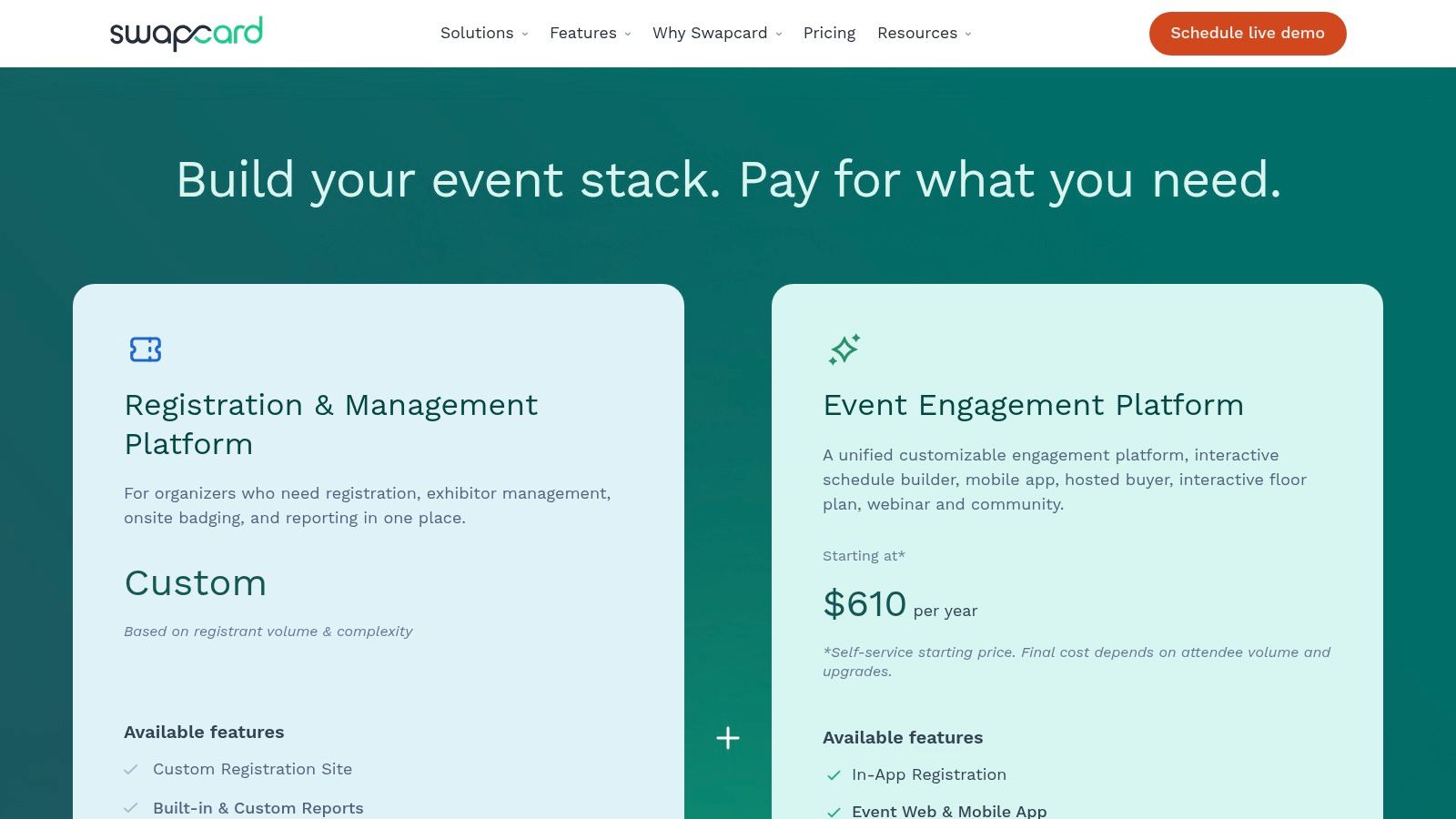
Its core engine uses AI matchmaking to suggest connections and facilitate "Smart Meetings," making it one of the best virtual conference platforms for events that prioritize business development. For sponsors, Swapcard offers robust lead capture tools and performance dashboards that provide clear data on interactions and potential ROI. This dual focus on attendee discovery and exhibitor value makes it a powerful choice for commercial events.
Key Takeaway: Swapcard is the ideal platform for trade shows and conferences where the main goal is to generate high-quality meetings and provide sponsors with measurable lead generation outcomes.
Key Features & Use Cases
Ideal For: B2B trade shows, association annual meetings, and industry conferences where networking and exhibitor ROI are critical success factors.
AI Matchmaking & Smart Meetings: An intelligent algorithm recommends people, sessions, and exhibitors to each attendee, with an integrated scheduler to book meetings.
Sponsor Lead Capture: Exhibitors can scan attendee badges (in hybrid settings) or capture digital leads from their virtual booth, complete with performance dashboards.
Unified App Experience: A single interface for web and mobile ensures a consistent experience for virtual and in-person attendees, with customizable content widgets.
Engagement Tools: Standard features like live chat, Q&A, polls, and a virtual venue with agendas and exhibitor areas are all included.
Pricing
Swapcard’s pricing is tiered based on the number of attendees and required features. The "Starter" plan is designed for smaller events and has attendee caps, while larger or more complex events will need to move to the "Pro" or "Enterprise" tiers to unlock unlimited attendees, advanced support, and premium features.
Pros & Cons
Pros | Cons |
|---|---|
Excellent Networking Outcomes: AI matchmaking genuinely facilitates connections. | Starter Plan is Limited: Significant events will quickly outgrow the entry-level tier. |
Strong Exhibitor ROI Focus: Advanced tools for lead generation and tracking. | Less Broadcast Studio Depth: Lacks the advanced production tools of some rivals. |
Balanced Branding and Usability: Good customization without a steep learning curve. | Can Be Complex to Configure: The wealth of features requires thoughtful setup. |
Website: www.swapcard.com/pricing-plans
11. 6Connex
6Connex is a long-standing virtual and hybrid event platform known for creating immersive 2D and 3D environments. It has established itself as one of the best virtual conference platforms for enterprises that need to host complex, exhibition-style events like trade shows, job fairs, and large-scale corporate summits. The platform’s main strength is its focus on creating persistent, branded virtual venues that prioritize sponsor visibility and lead-generation mechanics.
Organizers can build detailed virtual spaces, including lobbies, auditoriums for keynotes, and fully customizable exhibitor booths. This makes it a strong choice for events where the sponsor and exhibitor experience is as critical as attendee engagement. The platform’s architecture is built for security and scale, meeting the stringent requirements of large corporate clients and government agencies.
Key Takeaway: 6Connex is ideal for organizations wanting to replicate the feel of a physical trade show or expo floor online, with robust tools for sponsor ROI and detailed virtual environment customization.
Key Features & Use Cases
Ideal For: Virtual trade shows, multi-sponsor partner summits, corporate job fairs, and benefits fairs where exhibitor interaction is a primary goal.
Immersive Virtual Venues: Design 2D or 3D environments with auditoriums, lounges, and highly customizable booths that support video, documents, and chat.
Advanced Sponsor Booths: Exhibitors get powerful tools for lead capture, appointment scheduling, and real-time interaction with booth visitors.
Enterprise Security: Offers a secure, compliant environment suitable for enterprise-grade events with strict data and access control needs.
Integrated Event Management: Can be paired with Eventory to manage the entire event lifecycle, from registration and mobile apps to post-event analytics.
Pricing
Pricing for 6Connex is quote-based and tailored to the scope of the event. It is positioned as a premium, enterprise-level solution, so costs are generally higher than self-service platforms. The final price depends on factors like attendee numbers, the complexity of the virtual environment build, and the number of exhibitor booths required.
Pros & Cons
Pros | Cons |
|---|---|
Excellent for Exhibition-Style Events: Unmatched focus on sponsor and expo features. | Premium, Quote-Based Pricing: Less accessible for small-to-mid-sized budgets. |
Reliable at Enterprise Scale: Proven platform for large, high-stakes events. | Higher Production Effort: Fully themed venues require more setup time and resources. |
Flexible Booth & Lead Capture: Strong tools to demonstrate sponsor ROI. | Can Be Overkill for Simple Events: Might be too complex for a single webinar. |
Website: www.6connex.com
12. Accelevents
Accelevents is an all-in-one event management platform that covers the entire event lifecycle, from registration and ticketing to the virtual conference itself and post-event analytics. It stands out as one of the best virtual conference platforms for teams that need a comprehensive solution without agency lock-in, offering unlimited organizer seats across all its plans. This empowers an entire event team to collaborate without incurring extra user fees.
The platform provides a unified hub for attendees, featuring a native streaming studio, on-demand content hosting, and engagement tools. It also addresses the complexities of hybrid and in-person events with features like kiosk check-in, badge printing, and an exhibitor app for lead capture. This integrated approach ensures a consistent data flow from initial registration to final ROI reporting.
Key Takeaway: Accelevents is a strong choice for event teams managing a portfolio of events, offering scalable tools and unlimited admin seats for maximum team collaboration and cross-event reporting.
Key Features & Use Cases
Ideal For: Organizations running multiple events per year, conference organizers needing hybrid capabilities, and marketing teams focused on lead generation and CRM integration.
Unified Event Hub: A central virtual venue with a native studio for streaming, networking lounges, and dedicated exhibitor booths.
End-to-End Registration: Manages ticketing, registration pages, check-in, and badge printing for virtual, hybrid, and in-person formats.
Strong Sponsor ROI Tools: Includes dedicated sponsor placements and a lead capture app for exhibitors to scan badges and manage leads.
Key Integrations: Connects with HubSpot, Salesforce, Marketo, and over 2,000 other apps through Zapier, with API and webhooks available for custom workflows.
Pricing
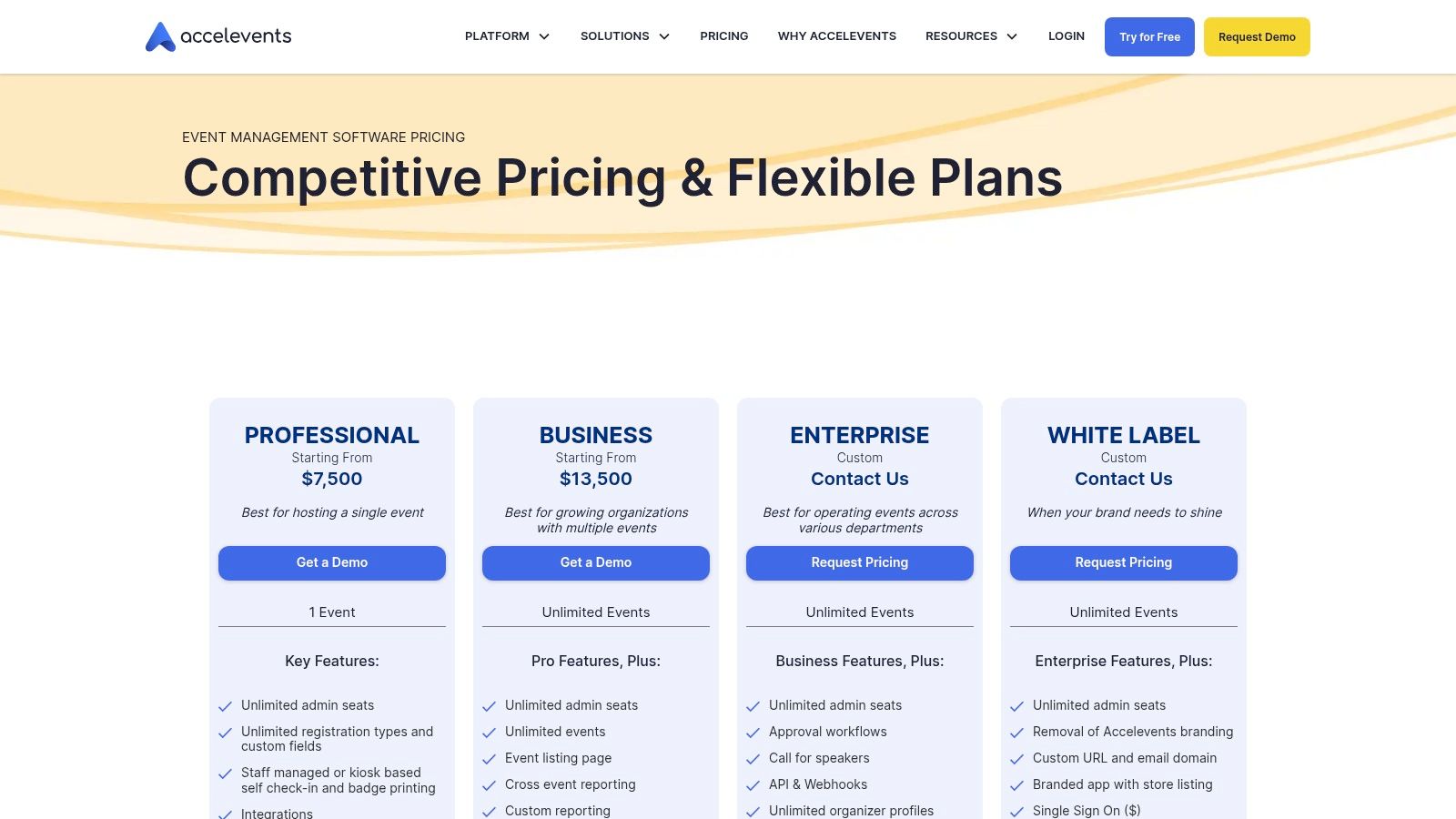
Accelevents uses a tiered pricing model based on the number of registrations and the event format (single vs. multiple events). The core plans are for registration, with virtual event functionality available as a paid add-on. This allows organizers to pay only for the virtual components they need.
Pros & Cons
Pros | Cons |
|---|---|
Unlimited Admin Seats: All plans include unlimited organizer/admin users. | Virtual Functionality is a Paid Add-On: Not included in base plans. |
Strong Support: Offers excellent support SLAs and dedicated managers. | Deep White-Labeling Reserved for Top Tiers: Full branding is costly. |
Good Portfolio Reporting: Strong cross-event analytics for program ROI. | UI Can Feel Dense: The feature-rich interface may require some setup time. |
Website: www.accelevents.com
Top 12 Virtual Conference Platforms Comparison
Platform | Core features | UX & Scale (★) | Value & Pricing (💰) | Best for (👥) | Highlight (✨/🏆) |
|---|---|---|---|---|---|
Zoom Events & Sessions | Multi-session agendas, virtual lobby, expo booths, recordings | ★★★★☆ Reliable, familiar video UX | 💰 Mid — pragmatic, fast to deploy | 👥 Broad orgs needing scalable video-first events | ✨ Fast setup · 🏆 Dependable video backbone |
RingCentral Events (Hopin) | Virtual stages, expo booths, backstage, 40+ integrations | ★★★★☆ Modern virtual-venue UX | 💰 Transparent per-organizer; unlimited events plan | 👥 Recurring programs & marketing teams | ✨ Strong integrations · 🏆 Unlimited-events option |
Webex Events (Socio) | Registration, check-in/badging, studio-grade streaming, analytics | ★★★★★ Enterprise-grade security & scale | 💰 Premium/custom pricing | 👥 Enterprises & associations | 🏆 End-to-end stack · ✨ Cisco ecosystem |
vFairs | Immersive 2D/3D halls, branded expo floors, exhibitor tools | ★★★★☆ Rich exhibitor experience | 💰 Quote-based; can scale with production cost | 👥 Sponsor-heavy expos & global shows | ✨ Highly branded halls · 🏆 Global support |
Airmeet | Lounges, 3D stages (AirStudio), attendee-based pricing | ★★★★☆ Engagement-first with lounges | 💰 Predictable attendee pricing; tiers/add-ons | 👥 B2B marketers & communities | ✨ Lounges & managed services |
ON24 | Deep engagement analytics, AI repurposing, Prospect Profiles | ★★★★★ Best-in-class engagement data | 💰 Premium enterprise pricing | 👥 Demand-gen & ABM teams | 🏆 AI content repurposing · ✨ Sales-ready insights |
Goldcast | Virtual events + Content Lab, AI repurposing, studio overlays | ★★★★☆ Clean producer & attendee UX | 💰 Demo/quote based (enterprise) | 👥 B2B field & demand-gen teams | ✨ Fast event→content pipeline |
BigMarker | No-download join, built-in studio, monetization & CTAs | ★★★★☆ Fast launch, highly customizable | 💰 Mid; 5% transaction fee on ticket sales | 👥 Webinar hosts & paid-event organizers | ✨ No-download join · 🏆 Flexible monetization |
Cvent Attendee Hub | Integrated registration, onsite badging, hybrid modules | ★★★★★ Scales for complex portfolios | 💰 Custom/premium (enterprise) | 👥 Large enterprises & associations | 🏆 Full-event lifecycle ecosystem |
Swapcard | AI matchmaking, Smart Meetings, sponsor lead capture | ★★★★☆ Excellent networking & discovery | 💰 Tiered plans; starter caps apply | 👥 Community-led conferences & trade shows | ✨ AI networking · 🏆 Meeting generation ROI |
6Connex | Customizable booths, virtual venues, enterprise security | ★★★★☆ Reliable for enterprise expos | 💰 Quote-based; generally premium | 👥 Enterprise expos, job/benefits fairs | ✨ Flexible booth mechanics |
Accelevents | Registration, virtual hub, kiosk check-in, lead capture | ★★★★ Practical admin UX; unlimited seats | 💰 Clear plans; virtual features as add-on | 👥 Teams needing portfolio reporting w/out agency | ✨ Unlimited admin seats · 🏆 Onsite badge/printing support |
From Platform to Infrastructure: The Shift to Unified Event Intelligence
Selecting the right virtual conference platform from the comprehensive list we've explored, whether it's the broad familiarity of Zoom Events or the enterprise-grade ecosystem of Cvent, is a critical operational decision. You have seen how platforms like Goldcast and Airmeet cater to B2B marketing needs, while options such as vFairs and 6Connex deliver immersive, visually distinct experiences. Each tool presents a set of strengths and trade-offs, from pricing models to feature depth, designed to solve the immediate challenge of hosting a digital gathering. However, making the best choice is only the first step. The true strategic challenge for event leaders isn't just running a successful virtual conference; it's about turning that event into a predictable, repeatable source of revenue and business intelligence.
The core problem is that even the best virtual conference platforms operate as isolated components within your broader technology stack. Your event data, the very asset you worked so hard to generate, becomes fragmented. Attendee registration details might live in one system, session engagement metrics in the virtual venue's backend, and post-event survey responses in another. This data chaos prevents you from answering the most important strategic questions:
Which attendee cohorts demonstrated the highest buying intent?
What specific content or session directly influenced a sales opportunity?
How does sponsor engagement correlate with actual ROI and renewal likelihood?
Which marketing channels delivered the most valuable participants, not just the most registrants?
Answering these requires manually stitching together spreadsheets and trying to make sense of disconnected dashboards, a process that is both inefficient and prone to error. This structural gap directly impacts revenue. Without clear, unified visibility, you cannot effectively prove event ROI, optimize future programming for monetization, or provide sponsors with the concrete data they need to justify their investment.
Moving Beyond the Venue to a Unified Strategy
This is where a fundamental shift in thinking is required. The goal must evolve from simply managing a platform to architecting a unified event intelligence infrastructure. This infrastructure sits above your individual tools, connecting the dots between your virtual venue, your CRM (like Salesforce or HubSpot), and your registration systems. It reconciles disparate data points into a single, reliable source of truth.
This unified layer isn't another virtual venue; it is a clarity engine that makes your existing tools more powerful. It transforms fragmented data into a clear view of your event portfolio’s performance. By automating the flow of information, you can stop spending time on manual data wrangling and start focusing on high-value strategic decisions. This allows you to see precisely which attendee segments drive the most value, which program elements contribute to revenue, and how to automate actions that improve attendee retention and sponsor satisfaction. This is the transition from tactical event execution to building a data-driven, revenue-focused growth engine. Choosing one of the best virtual conference platforms is the start, but building an intelligent infrastructure around it is what secures long-term success and profitability.
The platforms reviewed in this article are powerful venues for execution, but TalkValue provides the strategic infrastructure to unify their data and connect event activities directly to revenue. Instead of just another platform, we provide an AI-native toolkit and agency services that transform your fragmented event data into a predictable growth engine. If you are ready to move from managing events to building a revenue-focused event portfolio, we invite you to a conversation about your strategic goals.


FAQ